Add a video or audio playlist
to any page in minutes.
One shortcode. Works everywhere WordPress does. Free forever.
[lean_playlist id="17"]
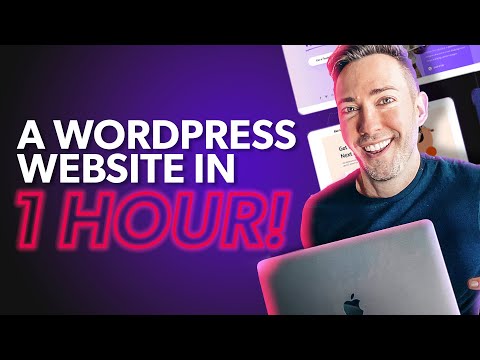

Try every layout. Video and audio.
15+ audio layouts and 10+ video layouts. Pick your path and see them live.
Audio Playlists
Podcasts, audiobooks, lectures, courses. 15+ demos: 4 positions, dark and light skins, accent colors, grid, and portrait card.
Video Playlists
Course libraries, video showcases, tutorials. 10+ demos: 4 positions, dark and light skins, grid, gradient, and accent color.
Mixed Playlist
[lean_playlist id="34"]
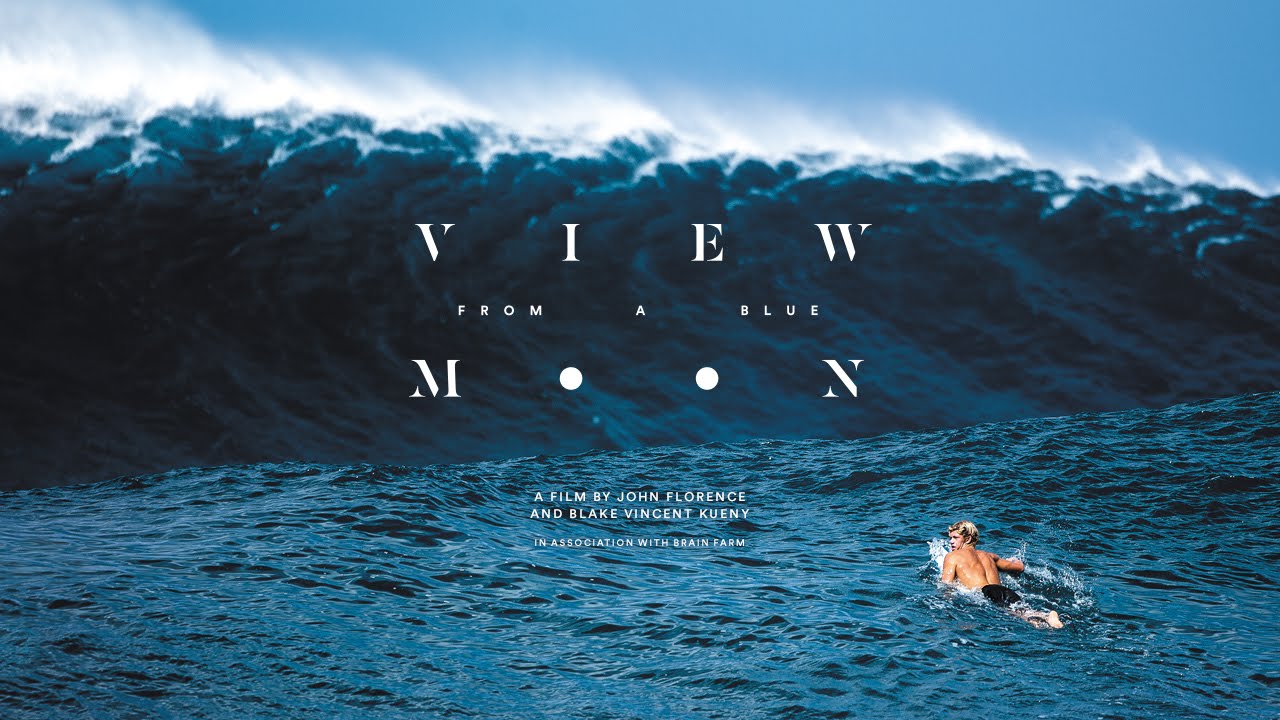
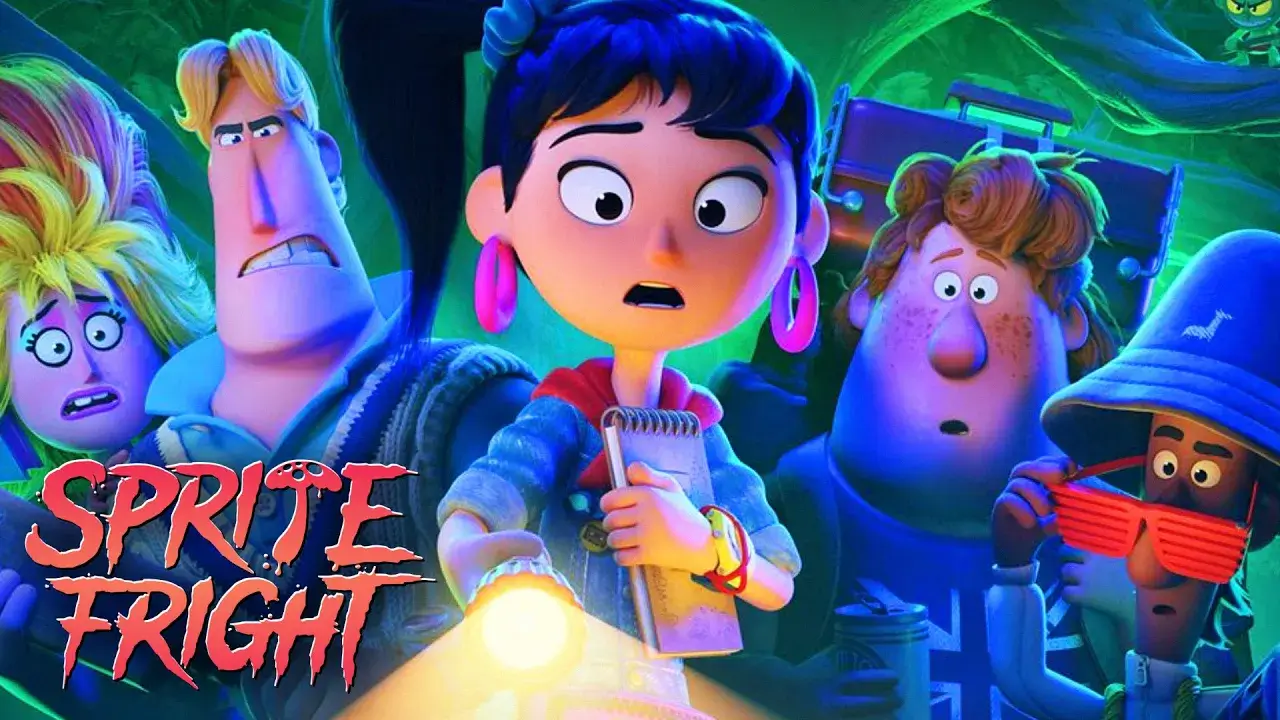
Everything you need, nothing you don't.
A working free playlist today. Unlock polish in Pro when you're ready.
4 positions
Right, left, top, bottom. Fits any theme layout without custom CSS.
Auto-play next
Sequential playback for courses, episodes, and series. No setup needed.
Video + audio
MP4, YouTube, Vimeo, and audio files. All in one shortcode.
Light and dark skins
Both free. Custom accent color and gradient background in Pro.
Grid layout
Switch from list to a thumbnail grid. 2 to 6 columns. Pro feature.
Accent color
Match your brand color exactly. Applied to active items and controls. Pro feature.
One shortcode
Works in any page builder, widget, or classic editor. No block required.
Automatic thumbnails
YouTube and Vimeo thumbnails fetched automatically. No manual upload needed. Pro feature.
Large audio card
Full cover art, title, and artist in a portrait card while audio plays. Pro feature.
Gradient background
Any CSS gradient as the playlist panel background. Paste from any gradient tool. Pro feature.
Native WordPress preview
Hit Preview in the playlist editor and see the full layout before adding it to any page.
Fully free to start
4 positions, both skins, autoplay, and mixed sources. No credit card needed.
What are you building?
Lean Player adapts to how you think about your content, not the other way around.
A course or tutorial series
Ordered video lessons with autoplay. Students always know what comes next.
A podcast or audio show
Audio-only player with episode list and cover art. No video UI in the way.
A product or portfolio showcase
Mix YouTube, Vimeo, and self-hosted MP4 freely in a single playlist.
Free vs Pro at a glance
Working playlist free. Unlock polish when you're ready.
| Feature | Free | Pro |
|---|---|---|
| 4 layout positions (right / left / top / bottom) | Yes | Yes |
| List item layout | Yes | Yes |
| Light + Dark skin | Yes | Yes |
| Auto-play next | Yes | Yes |
| Thumbnails, item numbers, duration badges | Yes | Yes |
| Video (MP4, YouTube, Vimeo) + Audio playlists | Yes | Yes |
| Grid item layout | Pro only | Yes |
| Custom accent color | Pro only | Yes |
| Custom gradient background | Pro only | Yes |
| Start on any item + shareable direct links to specific items | Pro only | Yes |
| Large "now playing" audio card | Pro only | Yes |
| Automatic thumbnails from YouTube and Vimeo | Pro only | Yes |
Ship your first playlist in 3 minutes.
Install free, create a playlist post, paste the shortcode. That's it.